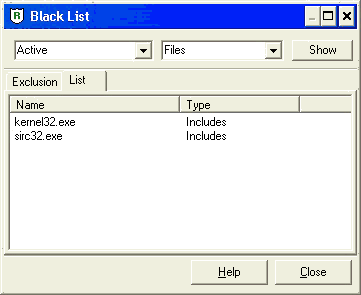
Using Black List
RegRun Black List feature works only with the Pro and Gold version.
Black List allows automatically filtering newest detected startup tasks. Tasks listed in Black List will be automatically blocked.
This feature is very useful to get rid of unwanted WatchDog popups and to improve your security.
You may automatically block all new startup tasks or create your Black List.
Open RegRun Start Control->Features->Black List.
Select operation mode:
Ø Not Active
Ø Active (uses your list)
Ø Block All New Founded (blocks all new found startup tasks and services).
We suggest to you "Block All" option if you do have a stable version and don't want to install new software. Also this mode will be useful for newbies who have problems with using WatchDog main window.
RegRun will automatically set all new founded startup items to the disabled (paused) state. Later you may quickly restore auto starting of these items.
Be sure, that you set "Active" or "Block All" option before using Black List.
You may inspect History Log to view filtered operations.
Open RegRun Start Control, go to File menu after that choose "Show History Log".