



Commented Image
Frame'n'Text Commented Image Component for VCLFor all versions of Delphi and C++ Builder from 3 to 10.2 Tokyo and for all versions of Windows from XP to 10
Commented Image (TCommentedImage component) allows you to add frame'n'text comments onto any image. This can be used in the software support applications for creating commented screenshots and for commenting any other images.
Source image can be pasted from clipboard, loaded from file or grabbed from the screen with one call. The result commented image can be copied to clipboard, save to BMP or JPEG file, and, of course, commented image can be saved in the special format, which saves source image and comments separately, so the comments stay editable after saving and loading.
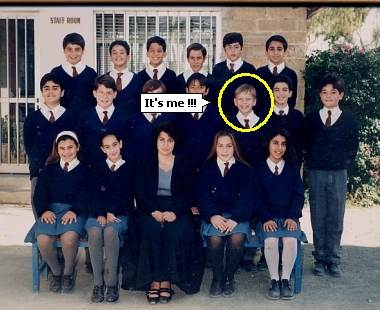
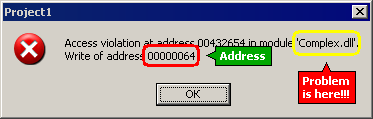
Any image can be commented! See for instance...
...commented family photo...
...and commented screenshot...
Version 1.1 has new feature - now you can place text inside the frame and combine it with cloud-style comment if you need.
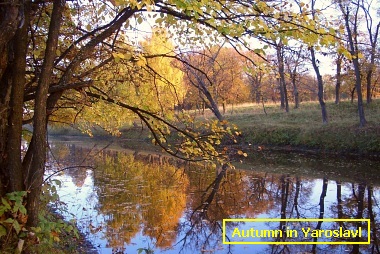
If the commment text is not entered, the cloud comment is automatically hidden. The frame can be hidden too, so you have many possibilities in one component: text with frame and cloud, text without frame with cloud, text with frame without cloude, etc...
TCommentedImage component has very simple interface for programmers and offers very simple interface for end users. Comments can be edited with mouse and ready-to-use property dialog with easy. See the detailed features description for more.
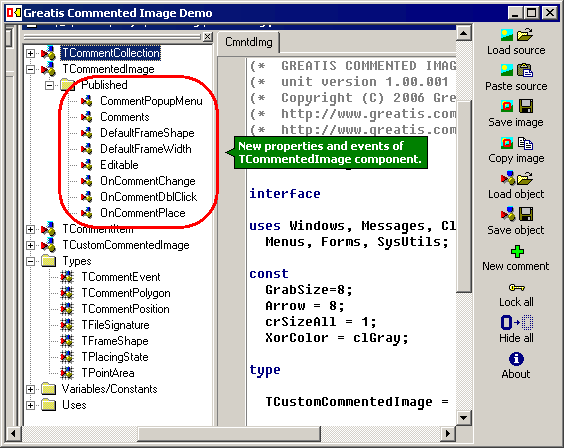
Commented Image suite includes demo project that demonstrates main features of TCommentedImage component:
Download free demo, order full source code right now!