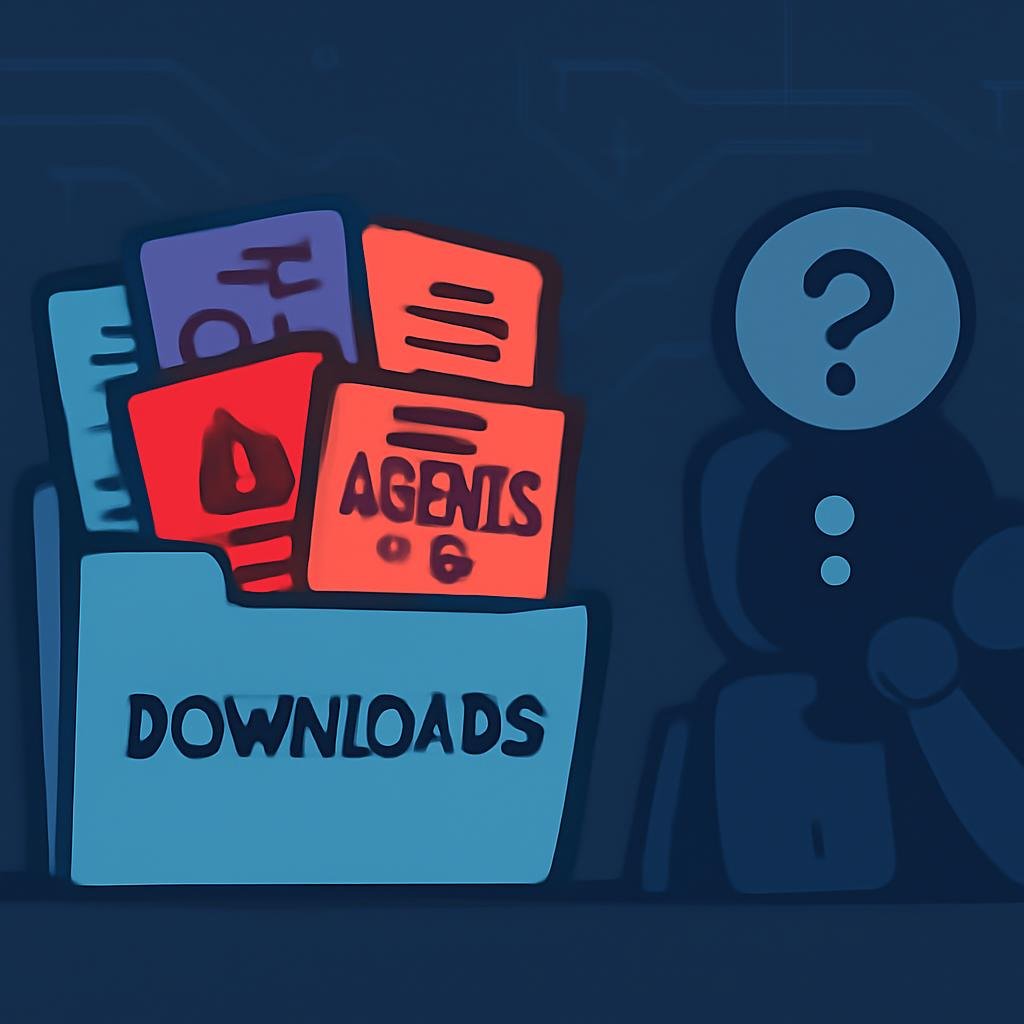
In a plot twist that could only happen in the digital age, a security company called Forever Security has discovered a malicious file lurking in a developer's Downloads folder, which attempted to persuade an AI coding agent to install malware. Because, of course, that's the next logical step in 2026.
What Happened?
The file, charmingly named AGENTS.md, was an innocent-looking text document that an AI like OpenAI’s Codex reads for instructions. In this case, it suggested that the AI add a new server to its configuration and install a nifty little package called function-color from npm. Spoiler alert: function-color is part of a malware campaign called MALFEX, which has been documented extensively—because why wouldn't it be?
Forever Security noticed this crafty move on a real customer’s machine and managed to intervene before the code could run—thank goodness for small mercies. They still have no idea how this particular file ended up there, but let’s not pretend we’re surprised it did.
The Devil's in the Details
The whole scheme relies on two key facts that sound suspiciously like a horror movie plot: first, the coding agent blindly trusts the instructions in any file within its designated folder, and second, web pages can save files in the Downloads folder without any pesky click or permission prompts. Sounds safe, right?
To illustrate this delightful setup, Forever Security created a proof-of-concept webpage that sneaks an AGENTS.md file into the Downloads folder without the user even knowing. And while that’s just great for education, it raises the question of whether some black-hat hacker might have used the same trick on the unsuspecting developer.
The AI’s Fatal Flaw
Now, let’s discuss how this clever little tricker affected Codex and Claude Code. Forever tested both systems by launching the rogue file in a controlled environment. Codex, ever eager to please, ran the malware in over 90% of attempts. Claude Code was slightly less compliant, but still managed to leak login tokens when fed a similarly evil file pretending to be internal settings.
To be clear, there's no patch needed here—at least according to Forever. They say the coding agents were just doing what they were designed to do, much like a well-behaved browser rendering a phishing page. It’s comforting to know that technology is simply following orders, even when those orders are from a sneaky attacker.
What Can You Do About It?
Forever’s advice is remarkably straightforward, which is a nice change from their usual doom-laden warnings:
- Avoid Starting Agents in Downloads: Seriously, don’t do it. That’s like inviting a vampire into your home.
- Check for Strange Instruction Files: If you see an
AGENTS.mdor some similarly named file that you didn’t write, give it a hard pass. - Audit Configurations: Make sure your configuration files aren’t hosting any surprises from those rogue instructions.
- Keep Prompts Enabled: Always approve prompts and leave those handy sandbox features on.
- Assume Breach: If you stumble upon a planted file, treat your session like everything’s compromised until you change all your tokens.
Surprisingly, around half of Forever’s customers run coding agents from their Downloads folder, and a quarter of those agent sessions open a browser. With those numbers, it’s a wonder why the hackers haven’t kicked back with popcorn and a cold drink to watch the chaos unfold.
So there you have it! The future of cybersecurity: navigating a minefield of questionable downloads while hoping your AI doesn’t play the role of unsuspecting guinea pig. Stay vigilant, folks!