It is not true.
HTML-LOAD.CC is not malware. It is part of the Ad-Shield advertising platform.
Its main job is to stop ad blockers from removing ads on websites. In simple words, HTML-LOAD.CC and your ad blocker are competing with each other. Website owners use it because advertising helps pay for their content.
According to Ad-Shield (ad-shield.io), ads served through HTML-LOAD.CC follow the Better Ads Standard. The company says it does not serve full-page pop-ups, ads without a visible close button, or ads that block access to the page.
In practice, however, it is not always that simple. Some websites use the HTML-LOAD.CC script to show annoying pop-ups or other aggressive ads. This is usually the choice of the website owner, not the HTML-LOAD.CC service itself.
If you only see HTML-LOAD.CC while visiting websites with ads, there is usually nothing to worry about. But if your browser starts opening unwanted pages, changes your settings, or shows ads everywhere, you should scan your computer for adware or other unwanted software.
In short, HTML-LOAD.CC is not a virus. It is an advertising service designed to help websites display ads even when visitors use ad blockers. Whether the ads are acceptable or annoying depends largely on how each website chooses to use the service.
How to remove HTML-LOAD.CC manually? (Virus removal guide)
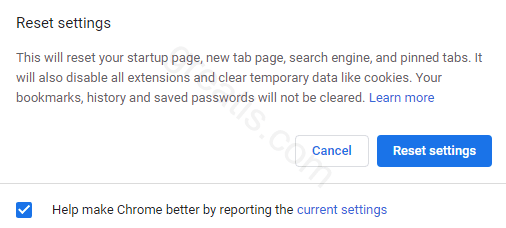
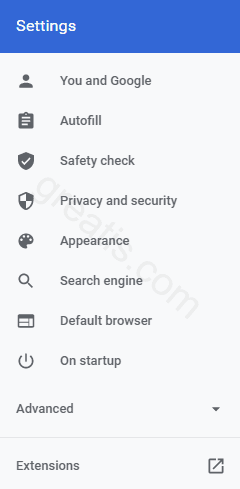
How to remove HTML-LOAD.CC using UnHackMe?

STEP 1: Install UnHackMe. (1 minute)
STEP 2: Scan for HTML-LOAD.CC malware using UnHackMe. (1 minute)
STEP 3: Remove HTML-LOAD.CC (3 minutes)
STEP 4: (optional) Clean up after virus.
STEP 1: Install UnHackMe (1 minute).
- Download UnHackMe from the official website.
Free Download - Double-click on UnHackMe.zip.
Unzip all files from the zip to a new folder. - Double-click on the unhackme_setup.exe.
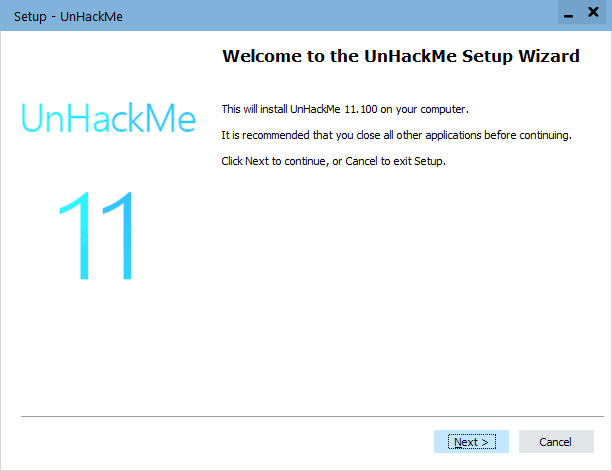
- You will see a confirmation screen with a verified publisher: Greatis.
Choose Yes. - Then, you have to accept the license agreement.
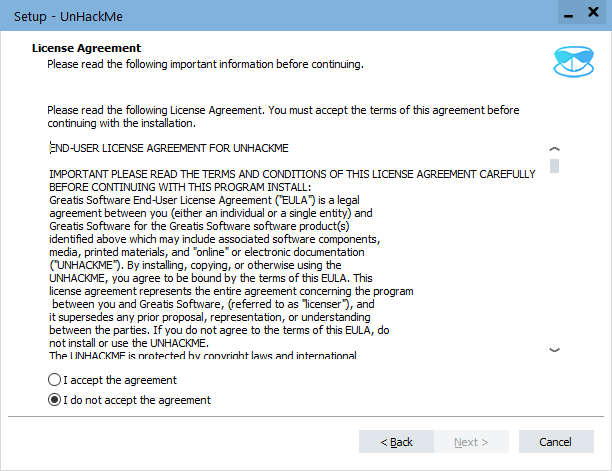
- After that, choose a destination folder.
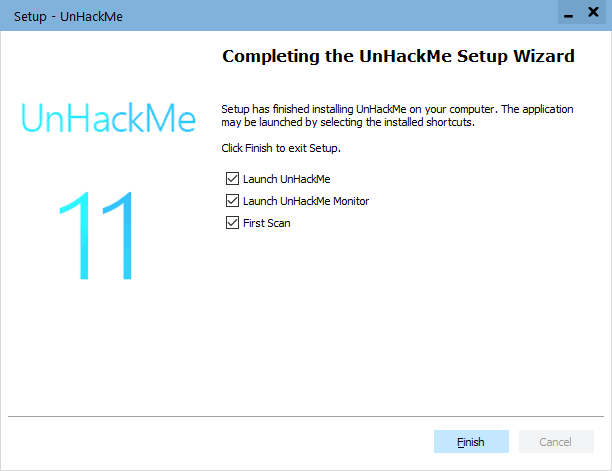
Complete UnHackMe installation.
STEP 2: Scan for HTML-LOAD.CC malware using UnHackMe (1 minute).
- The first scan will start automatically.
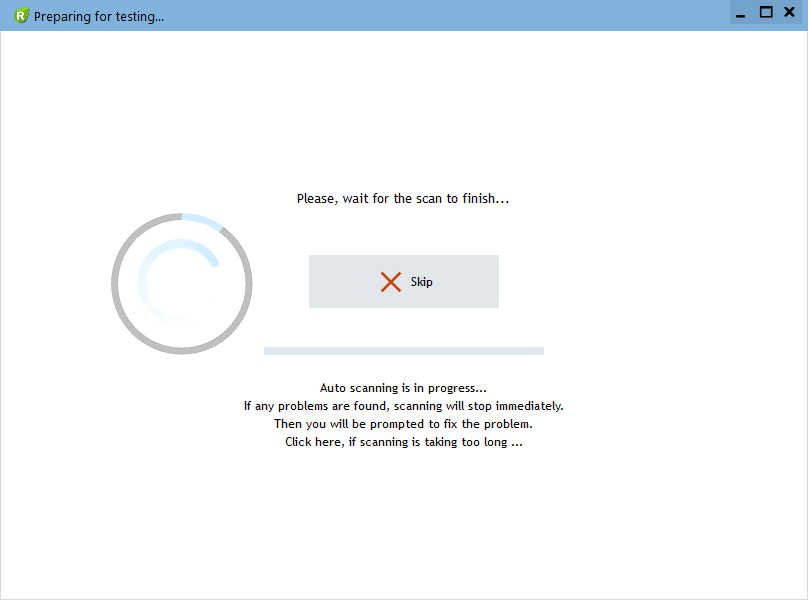
STEP 3: Remove HTML-LOAD.CC malware (3 minutes).
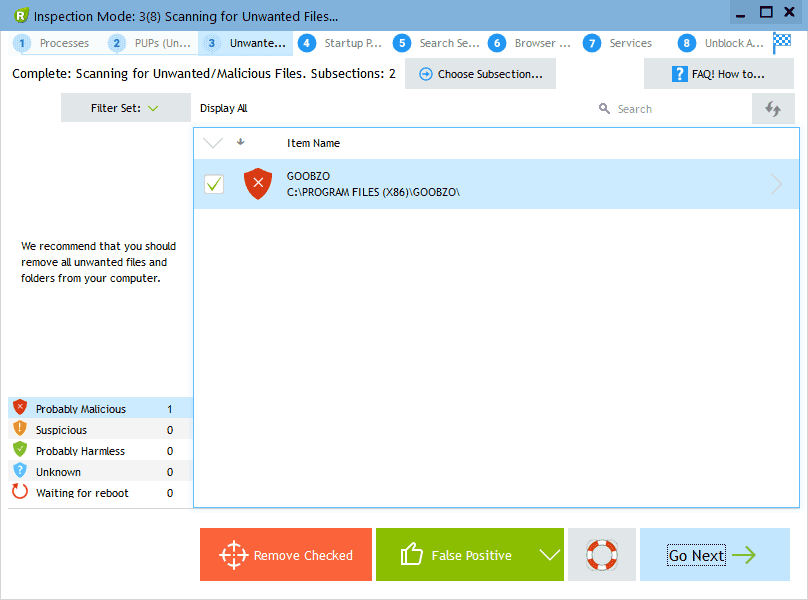
- Carefully inspect found items.
Malicious items are marked with a red shield.
Suspicious items are yellow.UnHackMe automatically creates a System Restore point before fixing!
It is required to have the Windows System Restore active in case of deleting the important files to be able to recover them.Next step: click the red button: Remove Checked!
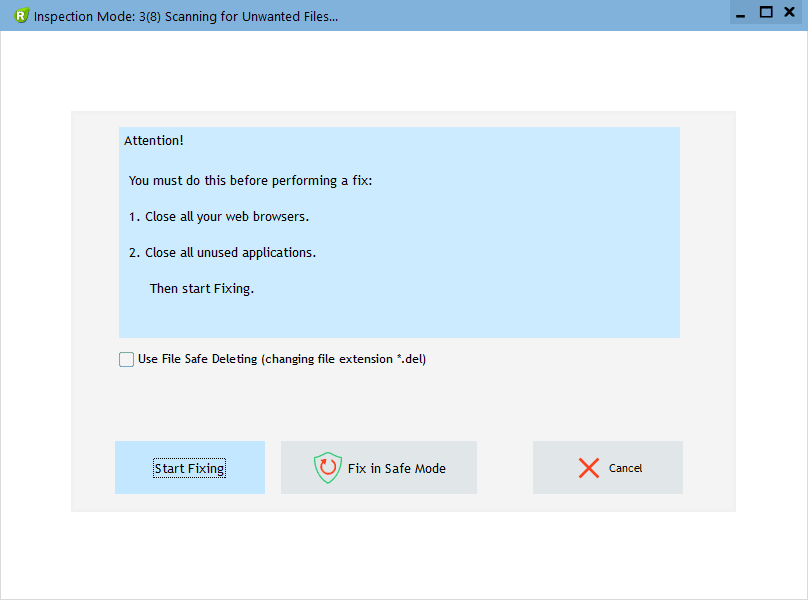
- UnHackMe may ask for your confirmation to close all browsers.
Please do it!
- If you want to quarantine files before deleting, check the box "Use file safe deleting."
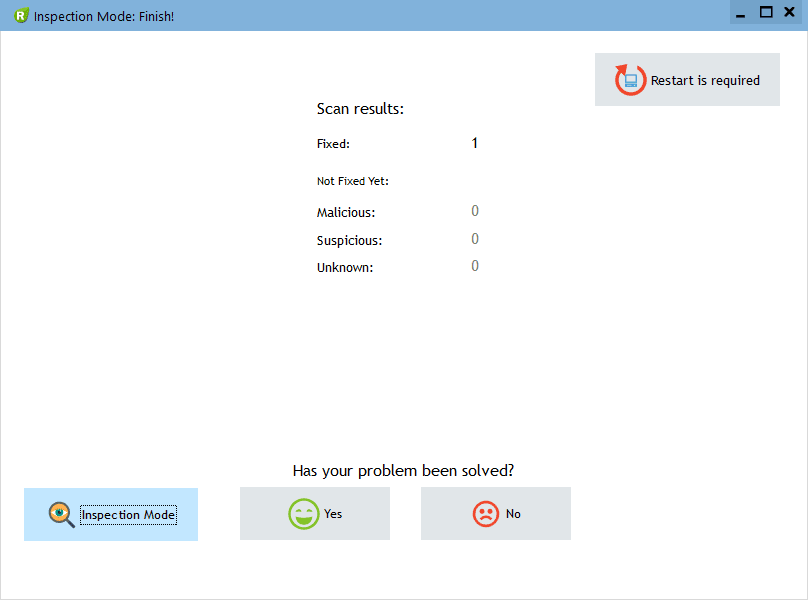
- And after all, you will see the results of your scanning and fixing process:
STEP 4: (optional)
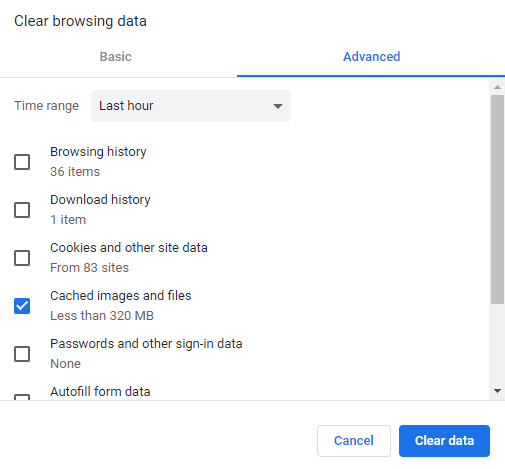
- Clear your browser cache, cookies, browsing history.
Chrome: Press CTRL+Shift+Del keyboard combination or open Settings, Privacy and security, Clear browsing data.
- Delete temporary files.
Open Start menu, type: disk cleanup, choose Disk Cleanup from the results.
Another way: press Win+R, type: cleanmgr, hit Enter. - Clean the Recycle Bin.

Questions? Suggestions?
Contact Support
Free Download

Read More
- Remove QWJZV-G69AH1MNN.IOFCOD.COM virus (Removal Guide)
- Remove URBANPCBEAM.IT.COM virus (Removal Guide)
- Remove DACYAGEN.CO.IN virus (Removal Guide)
- Remove ORTEB.CO.IN virus (Removal Guide)
- Remove RPRLDPENWS.TODAY virus (Removal Guide)
- Eight Bits of Trust: eMudhra's CA Keys Cracked in Mere Milliseconds
- Remove NETSECBOX.CO.IN virus (Removal Guide)
- Remove DEFPR3.HATESITHOUSLY.COM virus (Removal Guide)
- Remove MODULSPAGE.SBS virus (Removal Guide)
- Remove E.DATINGPRIMEHAWK.TOP virus (Removal Guide)