 What is KOILUR.CO.NZ?
Investigation Target: KOILUR.CO.NZ
Case: 17213
Investigation Date: September 30, 2025
Verdict:
KOILUR.CO.NZ is classified as Browser Adware
Harmful actions:
Annoying Popup Ads
KOILUR.CO.NZ displays intrusive popup ads with harmful content in the browser.
How to remove pop-up ads?
You cannot close the ads because there is no close button, or a new pop-up window will appear immediately.Solutions to solve the problem:
- Clean your web browser.
- Install uBlock Origin extension for your browser to remove ads and block adware websites:
uBlock Origin for Chrome, uBlock Origin for Firefox. - Check your PC using Ultimate Malware Killer UnHackMe.
(Sorry for shameless advertising, but I know that it is 100% safe and working because my company created it)
Free Download - Also, I recommend using AdwCleaner, Hitman Pro, Emsisoft Anti-Malware.
How to remove KOILUR.CO.NZ manually? (Virus removal guide)
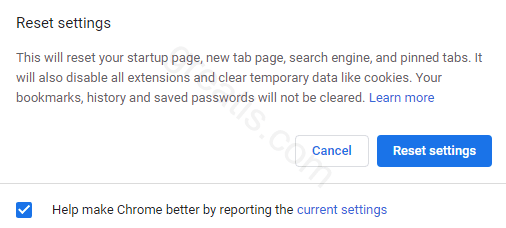
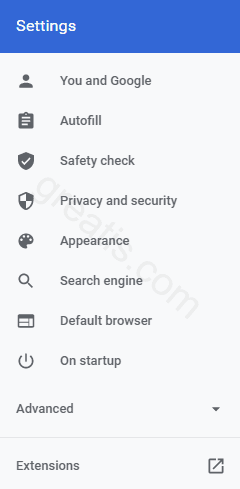
How to remove KOILUR.CO.NZ using UnHackMe?

STEP 1: Install UnHackMe. (1 minute)
STEP 2: Scan for KOILUR.CO.NZ malware using UnHackMe. (1 minute)
STEP 3: Remove KOILUR.CO.NZ (3 minutes)
STEP 4: (optional) Clean up after virus.
STEP 1: Install UnHackMe (1 minute).
- Download UnHackMe from the official website.
Free Download - Double-click on UnHackMe.zip.
Unzip all files from the zip to a new folder. - Double-click on the unhackme_setup.exe.
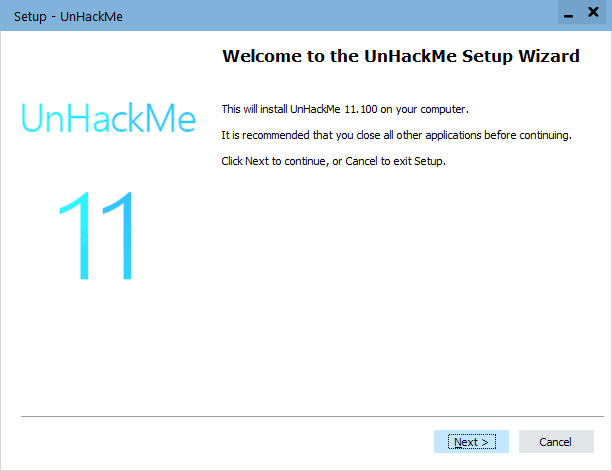
- You will see a confirmation screen with a verified publisher: Greatis.
Choose Yes. - Then, you have to accept the license agreement.
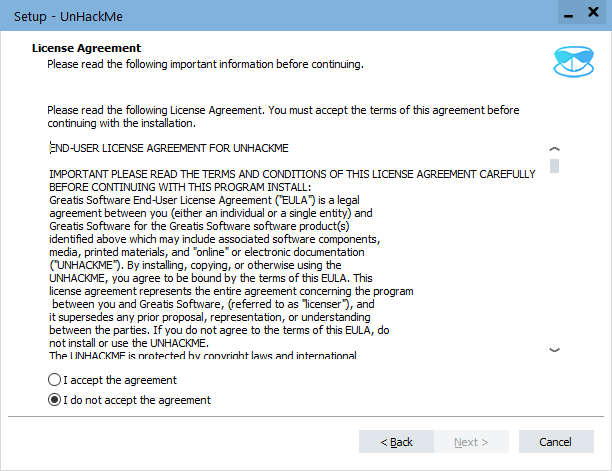
- After that, choose a destination folder.
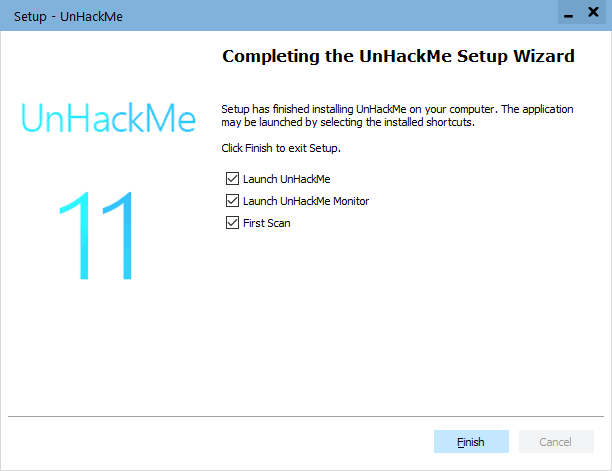
Complete UnHackMe installation.
STEP 2: Scan for KOILUR.CO.NZ malware using UnHackMe (1 minute).
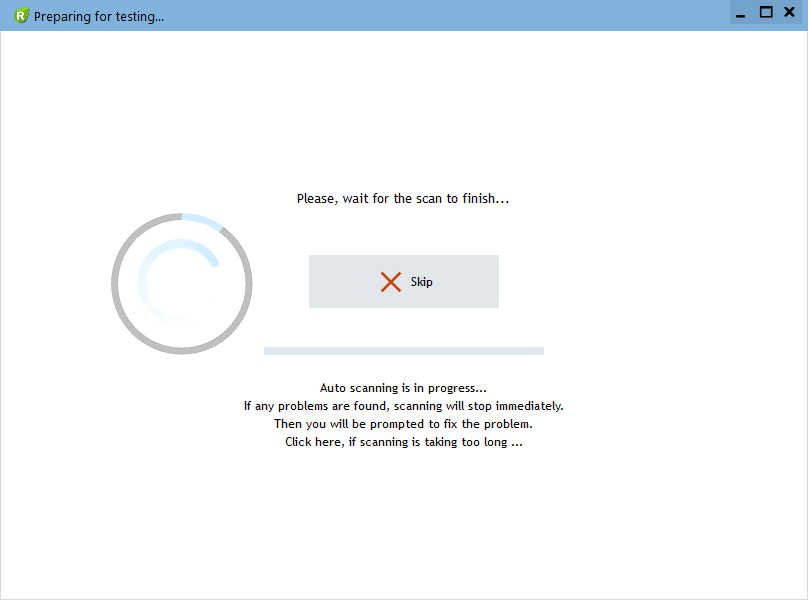
- The first scan will start automatically.
STEP 3: Remove KOILUR.CO.NZ malware (3 minutes).
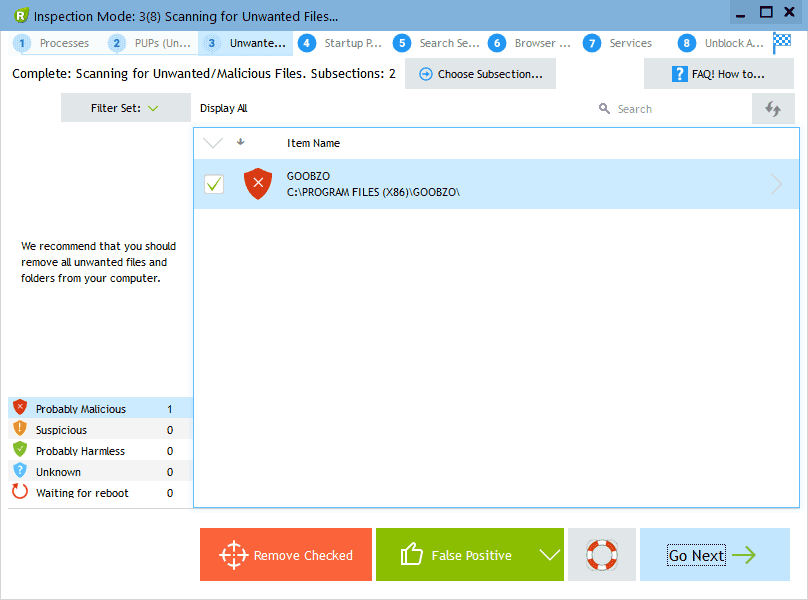
- Carefully inspect found items.
Malicious items are marked with a red shield.
Suspicious items are yellow.UnHackMe automatically creates a System Restore point before fixing!
It is required to have the Windows System Restore active in case of deleting the important files to be able to recover them.Next step: click the red button: Remove Checked!
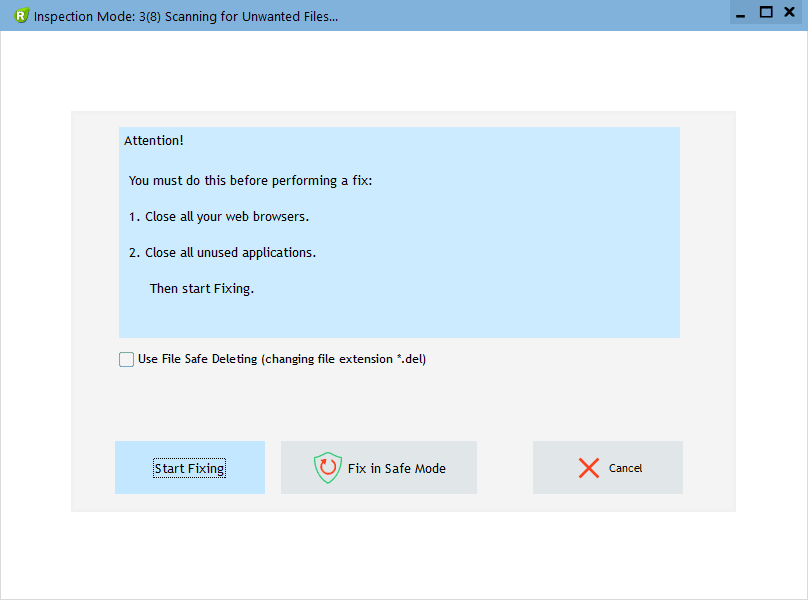
- UnHackMe may ask for your confirmation to close all browsers.
Please do it!
- If you want to quarantine files before deleting, check the box "Use file safe deleting."
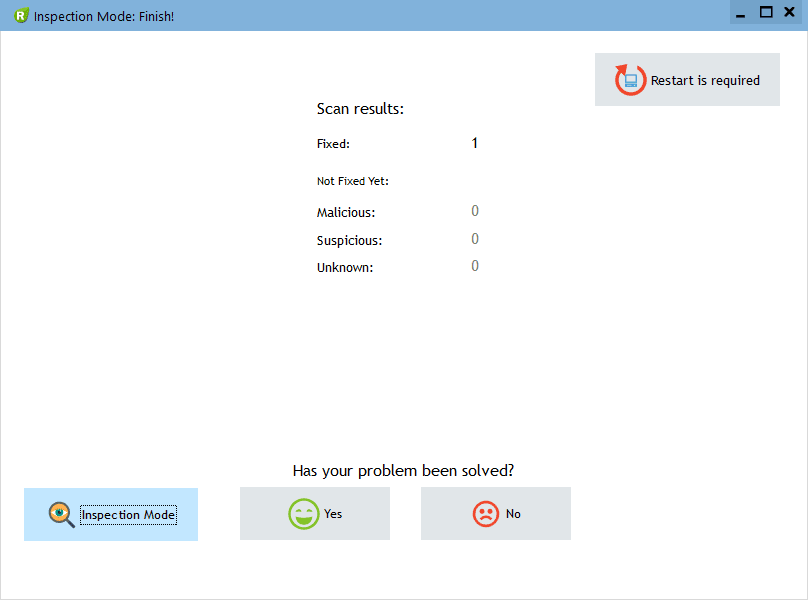
- And after all, you will see the results of your scanning and fixing process:
STEP 4: (optional)
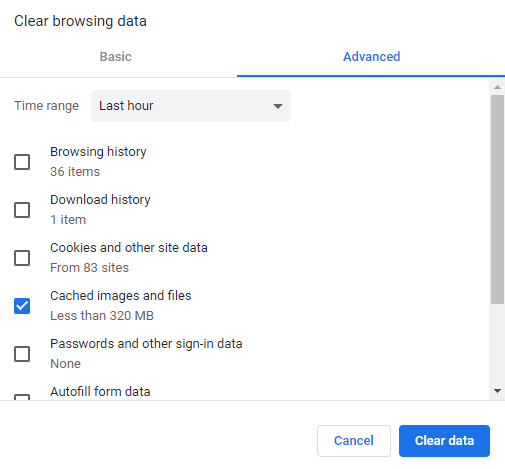
- Clear your browser cache, cookies, browsing history.
Chrome: Press CTRL+Shift+Del keyboard combination or open Settings, Privacy and security, Clear browsing data.
- Delete temporary files.
Open Start menu, type: disk cleanup, choose Disk Cleanup from the results.
Another way: press Win+R, type: cleanmgr, hit Enter. - Clean the Recycle Bin.

Questions? Suggestions?
Contact Support
Free Download

Read More
- Remove QWJZV-G69AH1MNN.IOFCOD.COM virus (Removal Guide)
- Remove URBANPCBEAM.IT.COM virus (Removal Guide)
- Remove DACYAGEN.CO.IN virus (Removal Guide)
- Remove ORTEB.CO.IN virus (Removal Guide)
- Remove RPRLDPENWS.TODAY virus (Removal Guide)
- Eight Bits of Trust: eMudhra's CA Keys Cracked in Mere Milliseconds
- Remove NETSECBOX.CO.IN virus (Removal Guide)
- Remove DEFPR3.HATESITHOUSLY.COM virus (Removal Guide)
- Remove MODULSPAGE.SBS virus (Removal Guide)
- Remove E.DATINGPRIMEHAWK.TOP virus (Removal Guide)