Skip to content
UnHackMe Knowledge Base
    HomeDownload
Free Download

Author: Admin

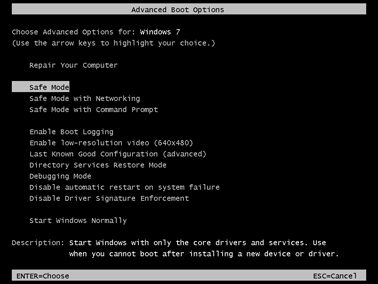
How to Start Your Computer in Safe Mode

  • Safety and Protection
Posted on November 1, 2020 by Admin

How to Download UnHackMe

UnHackMe is a powerful anti-malware tool designed to detect and remove rootkits, spyware and other hidden threats. Before using the [...]
  • Getting Started
Posted on June 18, 2025 by Admin

How to Install UnHackMe

Now that you've downloaded UnHackMe, it's time to install it on your computer. This guide will walk you through each [...]
  • Getting Started
Posted on June 18, 2025 by Admin

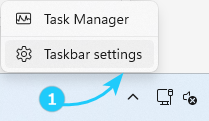
How to use UnHackMe Monitor

UnHackMe Monitor runs in the background to perform scheduled scans, check for updates, and provide quick access to security features. [...]
  • Getting Started
Posted on June 27, 2025 by Admin

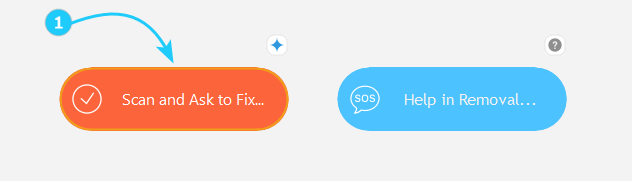
How to Get Started with UnHackMe

UnHackMe is a powerful anti-malware tool that helps detect and remove hidden threats. This guide will walk you through its [...]
  • Getting Started
Posted on June 19, 2025 by Admin

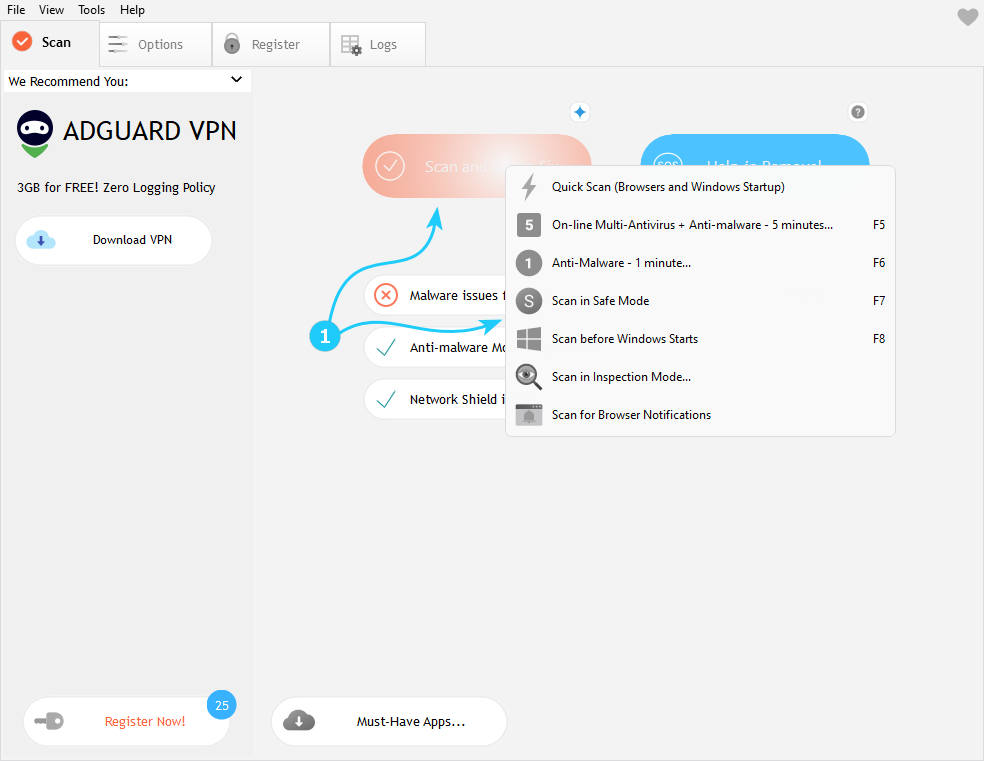
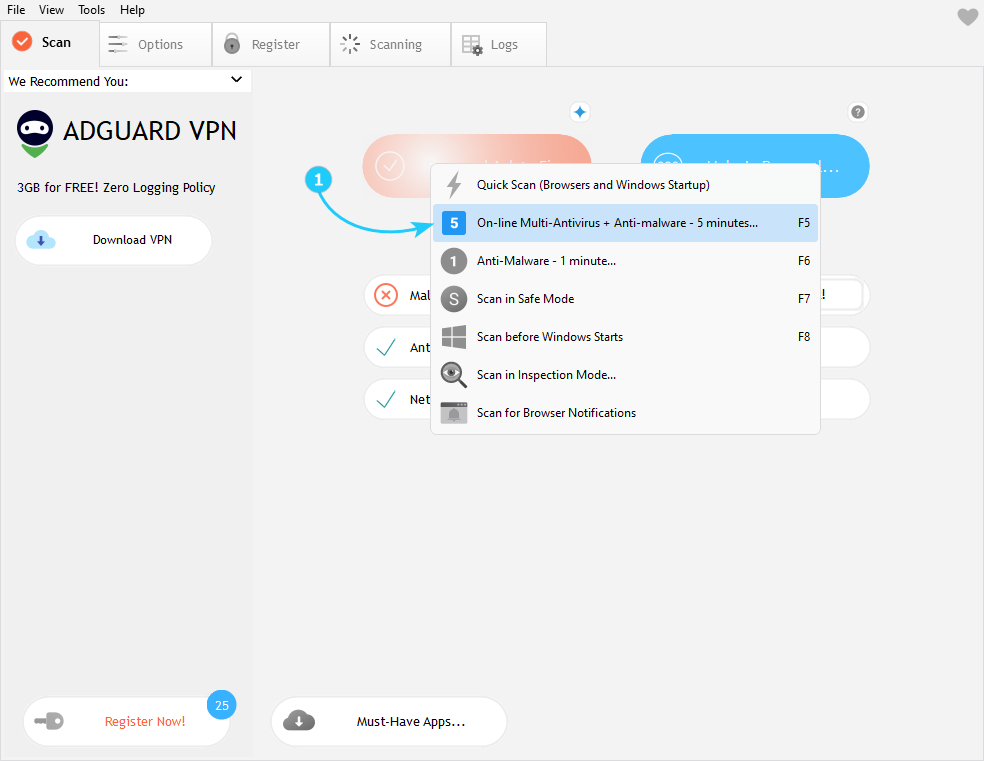
How to Start Removing Malware

UnHackMe provides powerful tools to detect and eliminate various types of malware, from common viruses to sophisticated rootkits. This guide [...]
  • Remove it with UnHackMe
Posted on June 23, 2025 by Admin

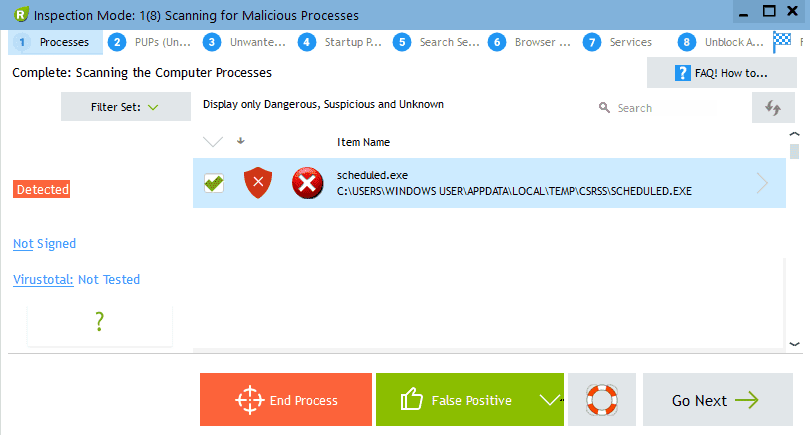
How to Make a Full Auto Scan for Malware

UnHackMe's full auto scan combines cloud-based antivirus analysis with local malware detection for comprehensive protection. Running a Full Auto Scan [...]
  • Remove it with UnHackMe
Posted on June 23, 2025 by Admin

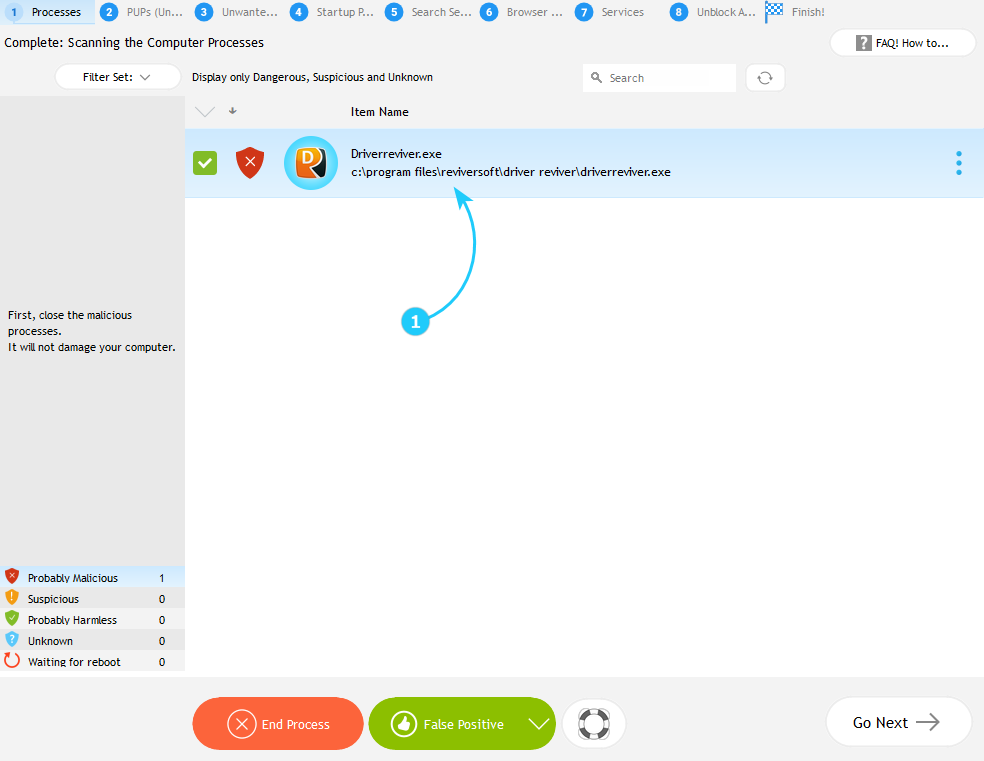
How to Fix Malware Processes, Detected by Anti-malware Scanning

Now you can proceed to the "How to Understand is an Item Good or Bad" guide. ‎ ‎
  • Remove it with UnHackMe
Posted on June 22, 2020 by Admin

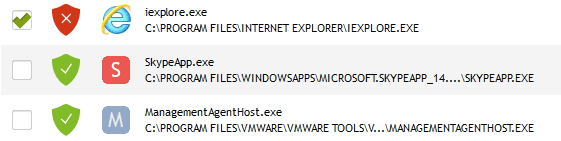
How to Understand is an Item Good or Bad

When UnHackMe flags suspicious files or processes, follow this method to determine if they are malicious and take appropriate action. [...]
  • Remove it with UnHackMe
Posted on July 4, 2025 by Admin

Why a Legitimate File Marked as Dangerous

Now you can proceed to the "How to remove PUPs (Unwanted Software)" guide. ‎
  • Remove it with UnHackMe
Posted on June 22, 2020 by Admin

Posts navigation

Older posts

Related Posts

    Categories

    Search

    We use cookies to ensure that we give you the best experience on our website. If you continue to use this site we will assume that you are happy with it.
    For full details read our   Cookie Policy

    © 2025 Greatis Software