!UnHackMe is a powerful anti-malware tool that helps detect and remove hidden threats. This guide will walk you through its core features so you can start protecting your system right away.
Key Features & How to Use Them
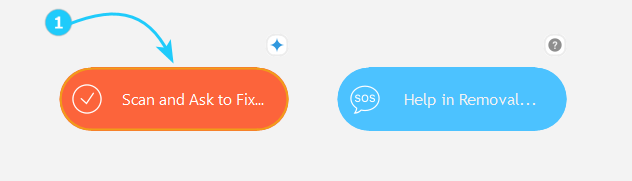
- Scan and Ask to Fix - click this button to detect and remove malware.
- After clicking the button, choose one of the options for system scanning. If you aren't sure what to pick, choose Quick Scan (Browsers and Windows startup).
- Help in Removal... - use this option to get assistance from the support team.
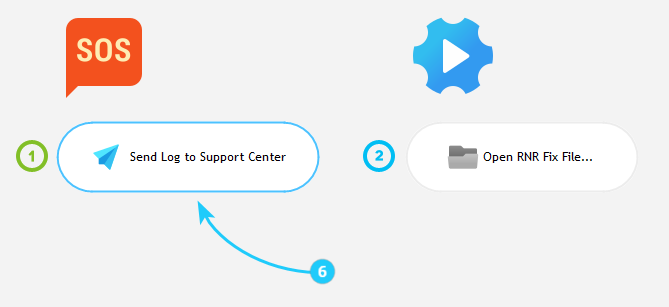
- You can either Send Log File to Support Center (recommended option) or Execute RNR File Received from Support that was sent to you.
- To send lod file to support center click the Send Log to Support Center button.
- Fill the required information on the new screen, then click Upload. Our Support Center will provide you with information on what to do next as soon as possible!
- Use the option Execute RNR File Received from Support when you receive a file from the Support Team. Follow the instructions sent to you by the Support Center.



After learning about these UnHackMe features, you can proceed to the Start Removing Malware guide.
