Skip to content
UnHackMe Knowledge Base
    HomeDownload
Free Download

Category: How to Remove Malware using UnHackMe

How to Fix Malware Extensions

Malicious browser extensions, also known as malware plugins or add-ons, pose a serious threat to your online security. Cybercriminals design [...]
  • Remove it with UnHackMe
Posted on July 4, 2025 by Admin

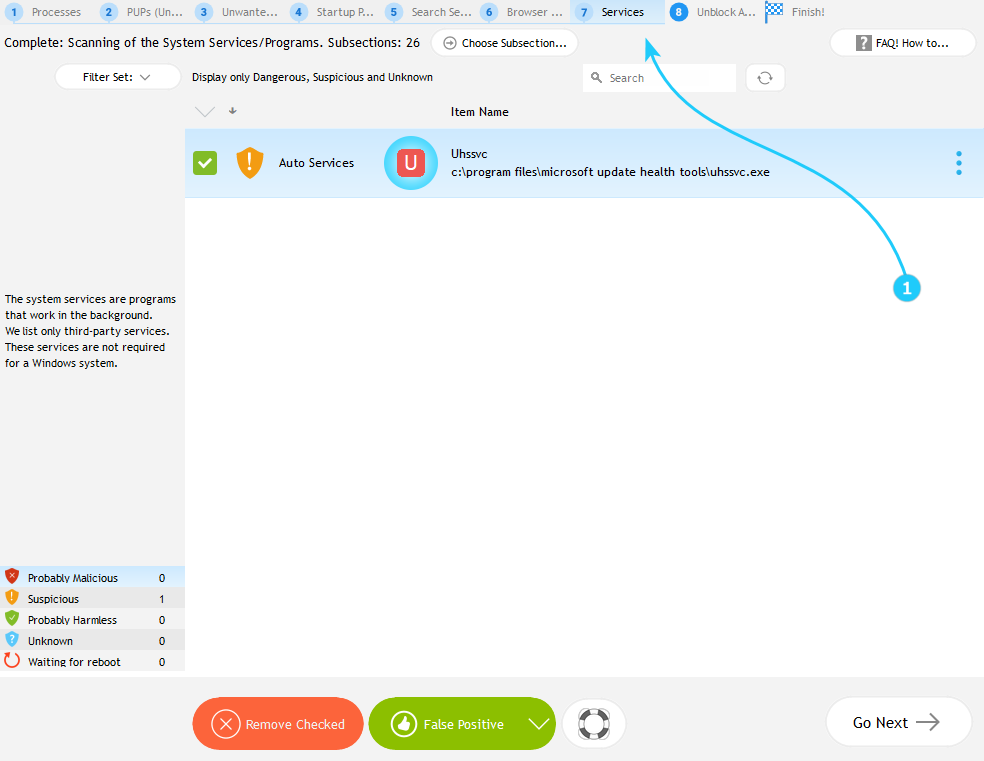
How to Remove Malware from the Windows Services and Drivers

Windows services and drivers are essential system components that operate in the background, often with high-level permissions. While legitimate services [...]
  • Remove it with UnHackMe
Posted on July 5, 2025 by Admin

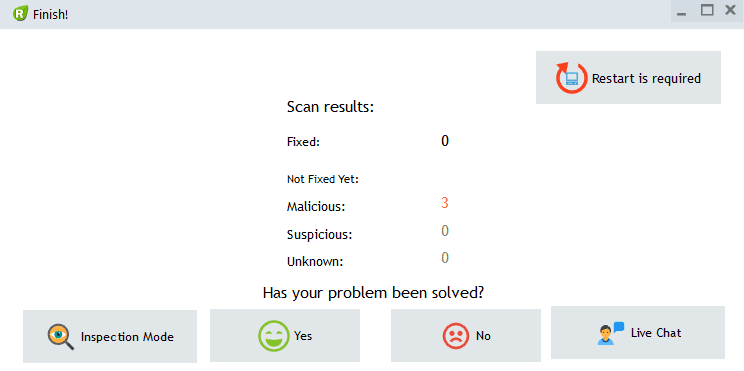
How to Restore Working of Blocked Antivirus

Malware often dsiables antivirus software by blocking its digital certificates. UnHackMe can detect and remove these malicious blocks to restore [...]
  • Remove it with UnHackMe
Posted on June 27, 2025 by Admin

Automated Malware Scan Detected No Malware. What's next?

Now you can proceed to the "Using Inspection Mode" guide
  • Remove it with UnHackMe
Posted on June 22, 2020 by Admin

Posts navigation

Newer posts

Related Posts

  • How to Start Removing Malware
  • How to Make a Full Auto Scan for Malware
  • How to Fix Malware Processes, Detected by Anti-malware Scanning
  • How to Understand is an Item Good or Bad
  • Why a Legitimate File Marked as Dangerous
  • How to remove PUPs (Unwanted Software)
  • Troubles Uninstalling Apps
  • How to Remove Malware Files and Folders
  • How to Remove Malware from Windows Startup
  • How to Fix Browser-Hijacking Malware

Categories

Search

We use cookies to ensure that we give you the best experience on our website. If you continue to use this site we will assume that you are happy with it.
For full details read our   Cookie Policy

© 2025 Greatis Software