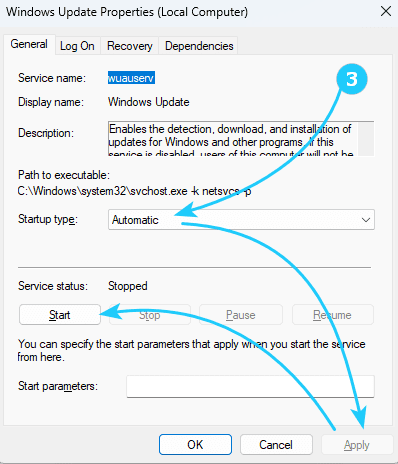
When trying to download and install applications from the Windows Store, you may sometimes encounter an inability to install due [...]
Author: Tanya

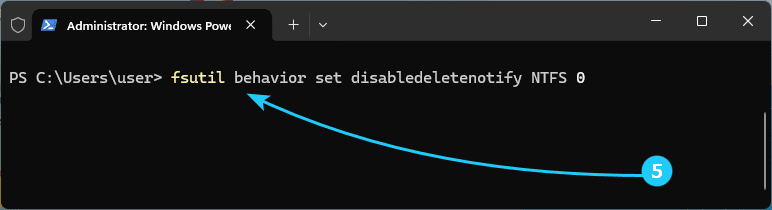
To maintain the performance of SSD drives by clearing data from unused memory cells, there is a TRIM command. When [...]

When using Windows 7 or 8.1 as the operating system, the Microsoft Edge browser regularly generates a notification Your computer [...]
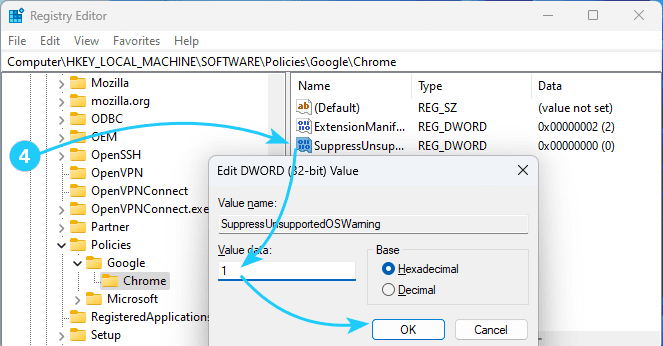
When using Windows 7 or 8.1 as the operating system, the Google Chrome browser regularly generates a notification Your computer [...]
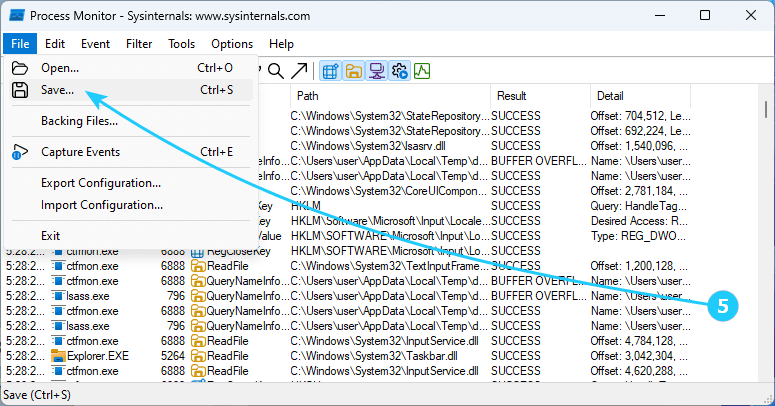
To monitor a system running Microsoft Windows, there is a free utility called Process Monitor. This utility is part of [...]
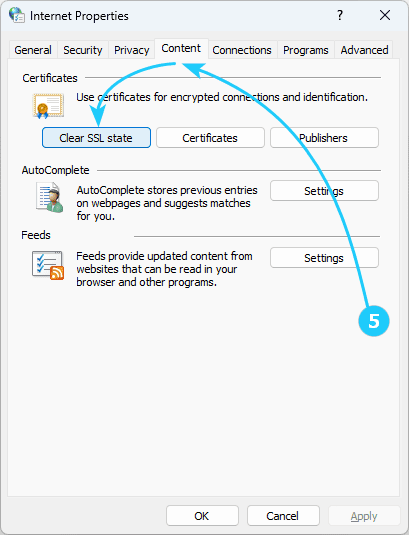
Sometimes when opening a page in a browser, an error occurs with the code ERR CERT COMMON NAME INVALID. The [...]
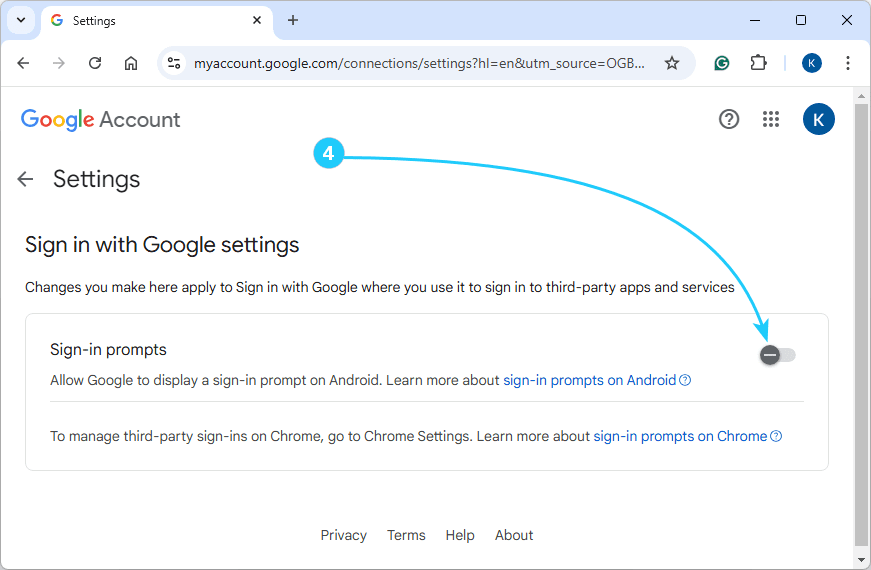
If you use a browser signed in to your Google account, you may have noticed pop-ups on many websites asking [...]
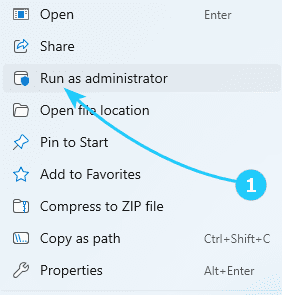
If you encountered the error The requested operation requires elevation with error code 740 (or 0x000002E4), and you were unable [...]

User Account Control (UAC) is a means of protecting against potentially dangerous actions and running software that can harm your [...]

If you notice that your disk space has suddenly become smaller, the reason may be the large size of the [...]
If you encounter a blue screen of death with the error DRIVER OVERRAN STACK BUFFER, it literally means that one [...]

To avoid unexpected reboots for the user, it is recommended to disable the Windows Update service and enable it only [...]

Although Windows 11 does not display file extensions for file types registered in the system by default (i.e. for most [...]

Although Explorer does not display the full path to folders by default, the user can enable the display of the [...]

Using an operating system for a long time, it is sometimes difficult to avoid errors in its operation. One of [...]
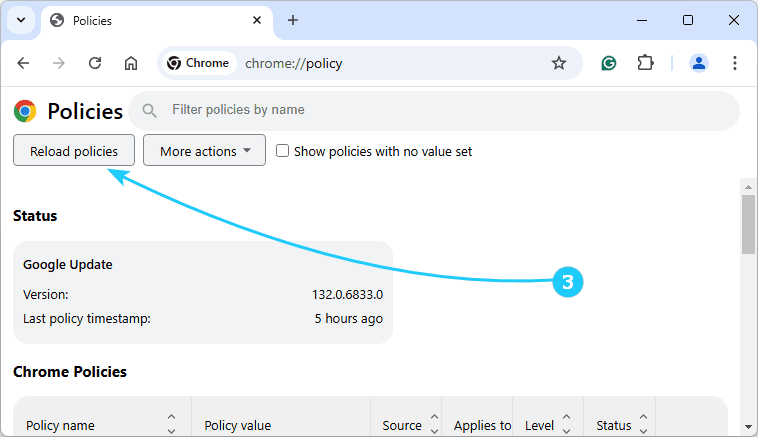
After one of the updates in Google Chrome, as well as other browsers based on it, the work of ad [...]
Most desktop programs have sets of hotkey combinations. Google Chrome is no exception, and we will describe the list of [...]
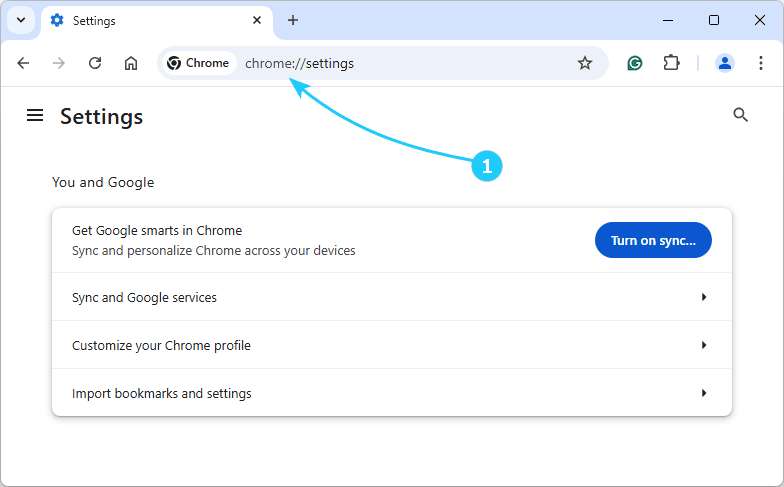
Google Chrome has many hidden features. One of them is an ability to use special URL commands which can be [...]
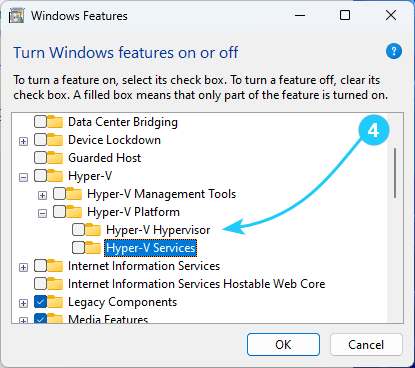
After installing the Windows 10 KB-3204980 update, most third-party virtualization programs do not work with Hyper-V enabled, including VMWare and [...]
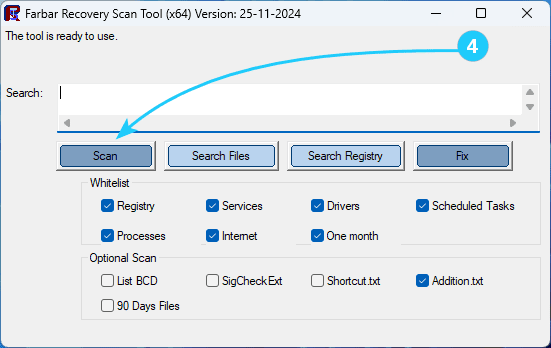
In case your computer is malfunctioning or you suspect a virus infection, it can be useful to create a log [...]
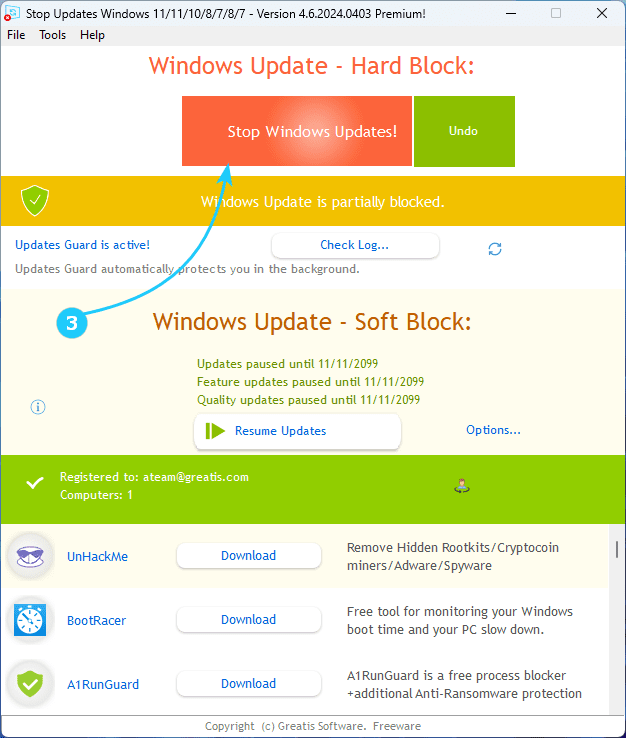
Keeping your system up to date is certainly important, but... Often an update starts installing unexpectedly, and there are also [...]
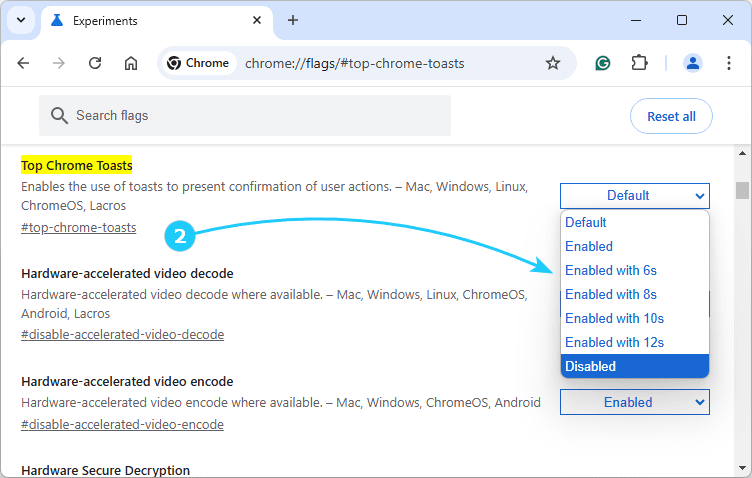
Google Chrome, starting with version 130, has implemented pop-up notifications that appear in the center at the top of the [...]
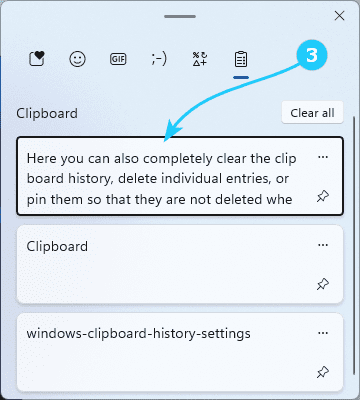
The Clipboard in Windows 11 has received additional functionality - the so-called journal or clipboard history. In this article, we [...]
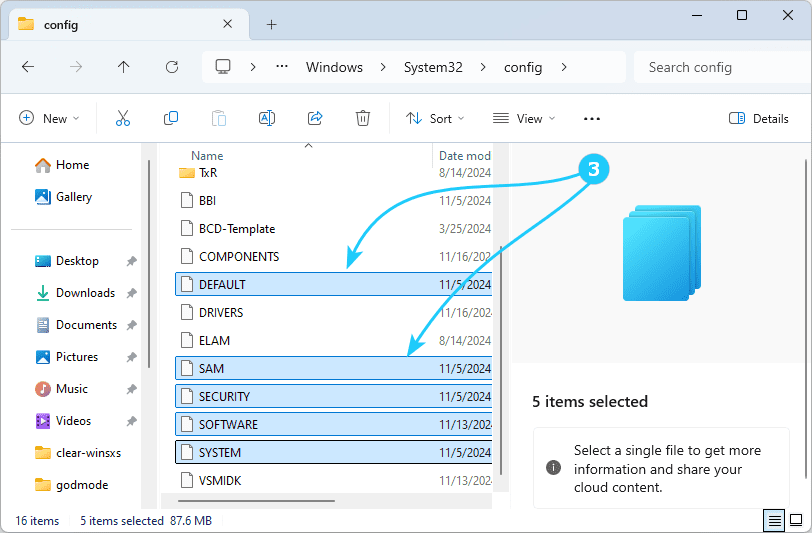
The functionality of the Windows 11 operating system largely depends on the correctness of the data contained in the system [...]
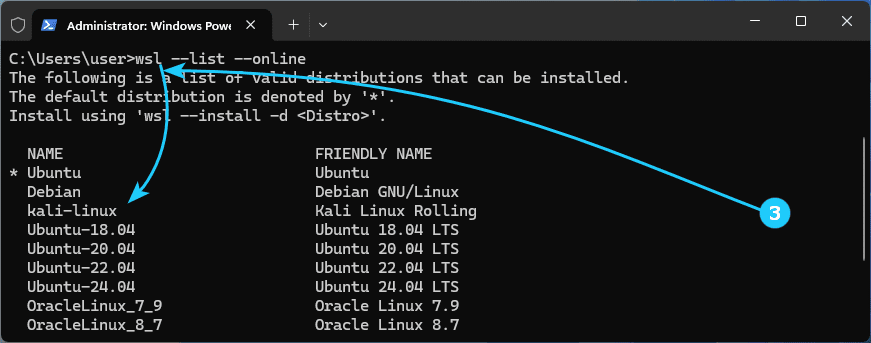
With the Windows Subsystem for Linux (WSL) component, it's very easy to run Linux programs with a GUI directly on [...]
Sandbox in Windows 11 is a special system component that allows you to run applications in an isolated environment, which [...]
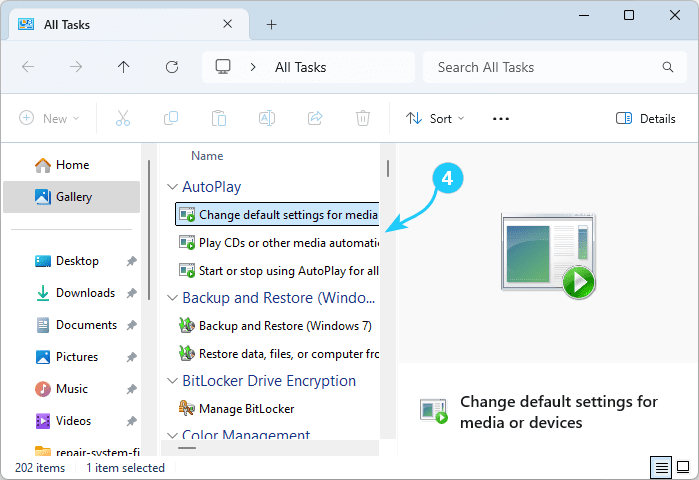
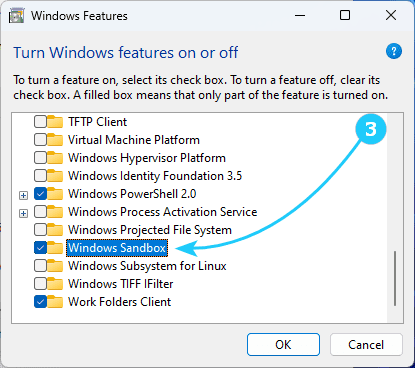
Sandbox in Windows 11 is a special system component that allows you to run applications in an isolated environment, which [...]
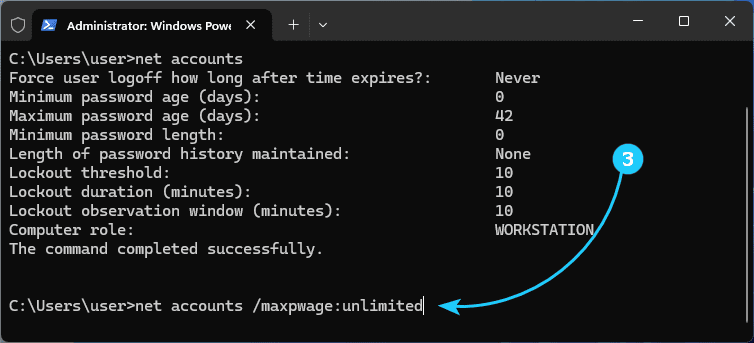
If you encountered the message Your password has expired and must be changed when logging into Windows 11, and you [...]
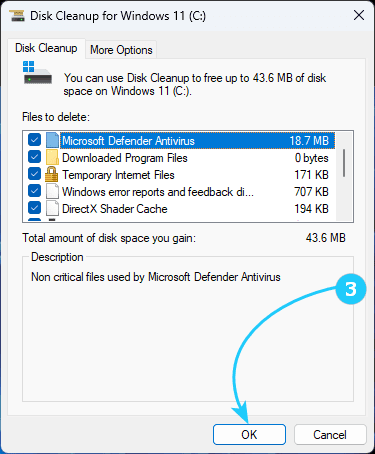
In an attempt to reduce the ever-increasing size of Windows 10 and 11, users often wonder what the purpose of [...]
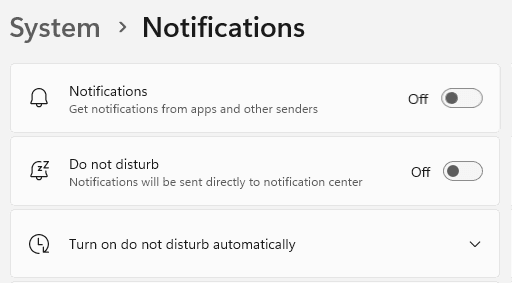
Notifications in Windows 11 are important in keeping you informed of significant events. They notify you about the availability of [...]
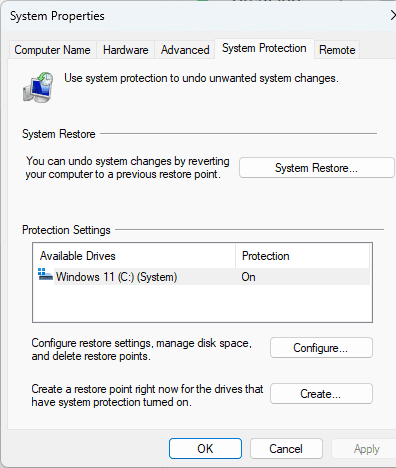
Windows System Restore is an important feature that helps users get their computer back to working condition after failures or [...]
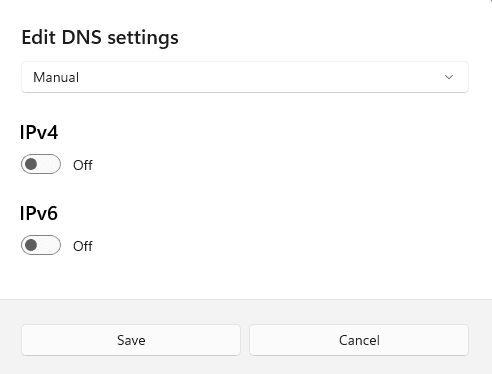
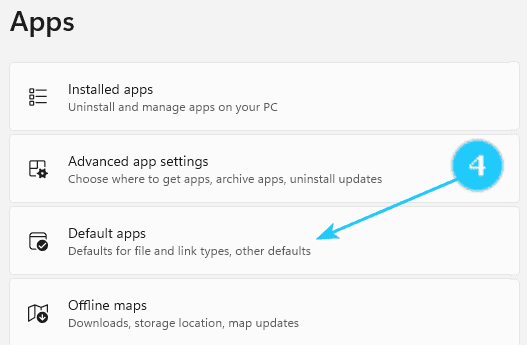
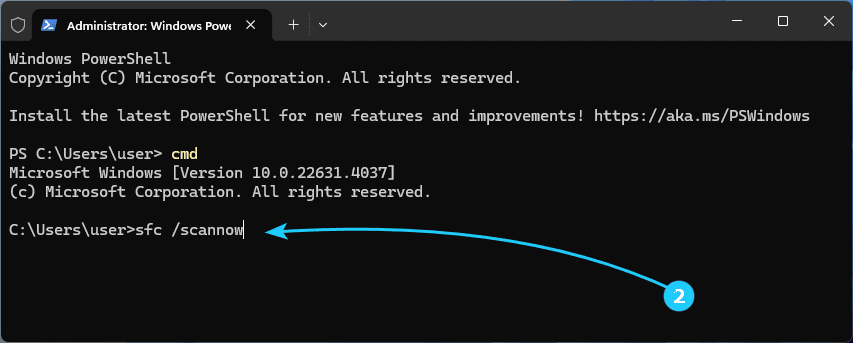
If your operating system became unstable, full of errors in the operation of some familiar functions, it may make sense [...]
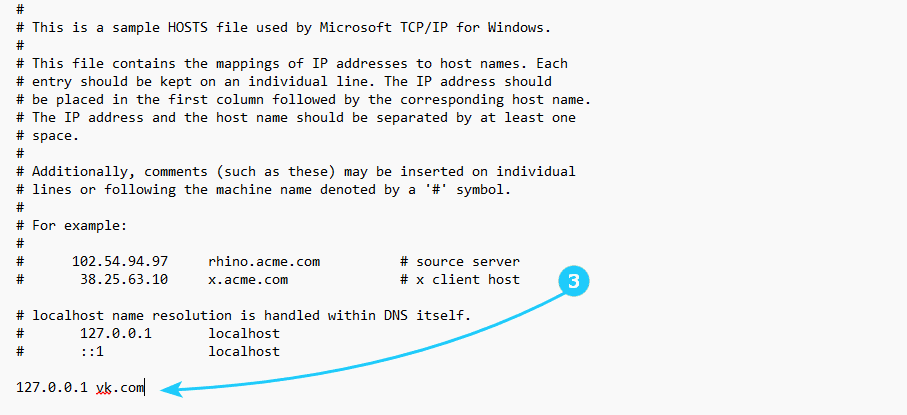
Hosts file in Windows is a special file which helps resolving DNS records. For example, you can make your PC [...]
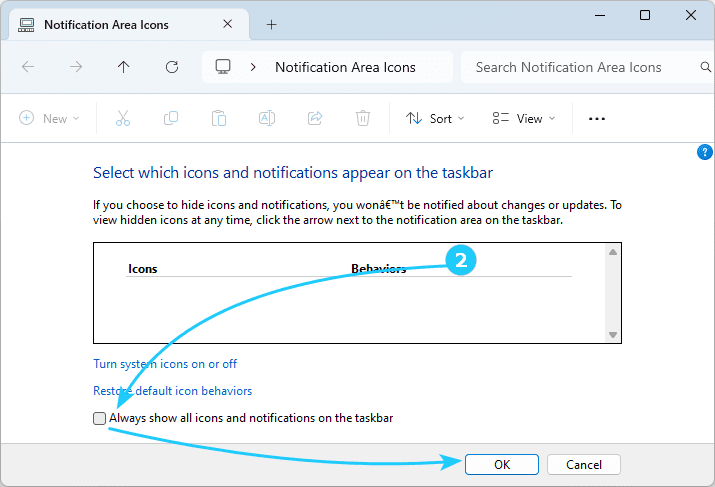
Windows 11 by default shows only a few icons in the system tray, hiding the most of them in a [...]
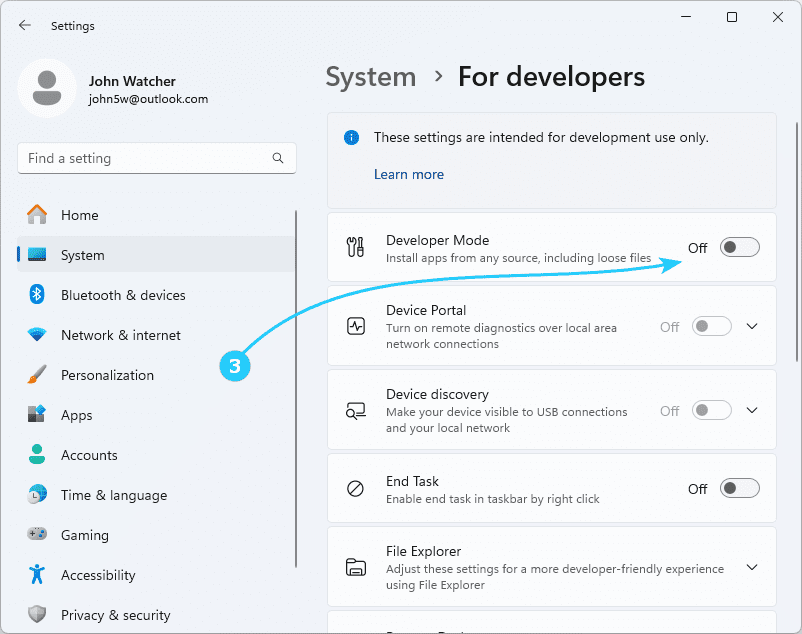
Developer Mode in Windows 11 allows you install and test third-party apps not from Microsoft Store. However you have to [...]
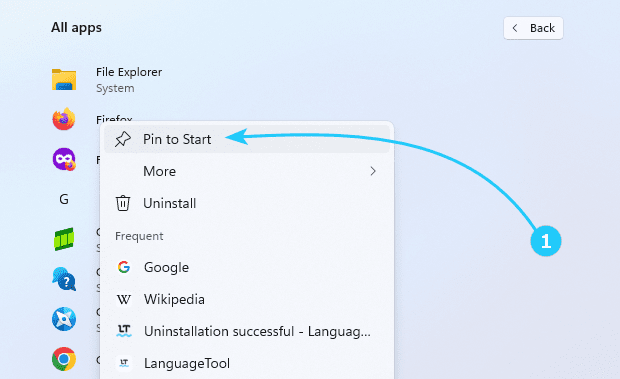
If you get used to Windows 10 start menu, you may feel yourself uncomfortable in Windows 11. If so, it [...]
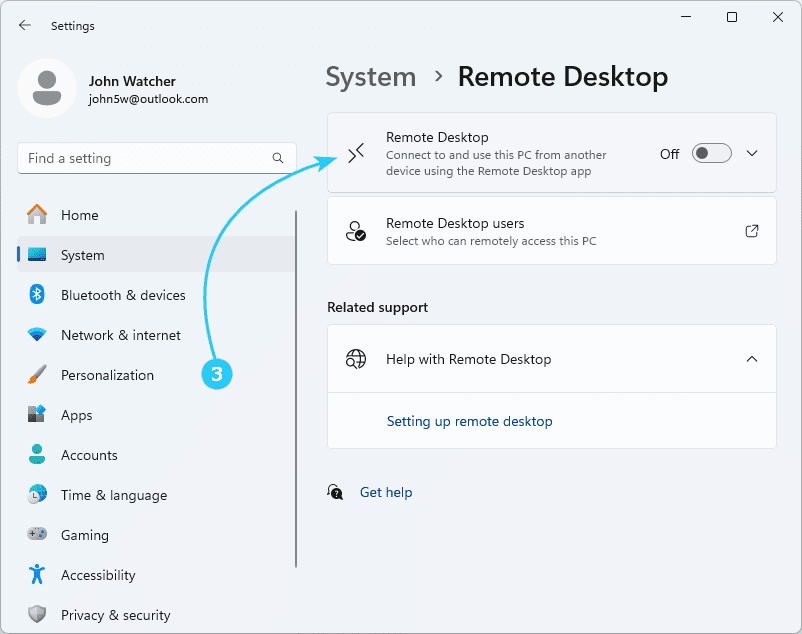
In some cases you may find very useful to disable usage of Remote Desktop in your Windows 11, by security [...]